In one sentence: rather than memorizing dozens of product names, understand the capability boundaries of three or four kinds of models. Capabilities are stable; product names change fast.
New tools appear almost weekly, and the product you use today may be replaced next year. If your skill is built on “knowing how to use a certain app,” it dates quickly; but if what you understand is “what this class of model is good at and where it fails,” then no matter how the market’s tools shift, you can quickly judge which one to reach for. This chapter helps you build that “map of capabilities.” For each category below I’ll give both domestic and overseas examples, but remember: examples just make the concept concrete—what you really need to grasp is the category itself.
Large Language Models: The General-Purpose Engine for Text
Large language models (LLMs) are currently the most mature category and the one teachers use most; the “conversational AI” you encounter basically belongs here. Common domestic ones include DeepSeek, Doubao, Qwen, ERNIE Bot, and Kimi; overseas there are ChatGPT, Claude, and Gemini. Their shared talent is handling language: writing lesson plans, revising essays, explaining concepts, drafting notices, simplifying complex content—these are its home turf.
Its abilities come from the mechanism we covered last chapter—predicting the next word. This makes it good at tasks where “there’s plenty of human text to draw on,” such as rewriting, summarizing, and drafting; it also gives it two weak spots: it’s prone to errors when precise facts and up-to-the-minute information are involved, and genuine mathematical reasoning is not its strong suit (though some models are specially optimized for reasoning and will lay out solution steps one by one).
For teachers, when choosing an LLM, rather than agonizing over which is “the strongest,” focus on a few practical dimensions: how idiomatic its grasp of Chinese-language educational context is, whether it can take an uploaded textbook file and how much content it can handle at once, and when its training data cuts off. For instance, when you need it to read an entire set of student essays or a long paper in one pass, a model that supports very long context has a clear edge; when you need phrasing that fits the local curriculum, domestic models are often more natural to work with.
Text-to-Image: Turning Abstract Concepts into Pictures
A text-to-image model takes a text description and generates a matching picture. Its value in teaching is direct: scientific illustrations, historical-scene reconstructions, concept diagrams, class posters, award cards—things that once meant hunting for stock material or asking someone to draw can now be generated on demand. Domestic options include Jimeng, Tongyi Wanxiang, and ERNIE-ViLG; overseas there are Midjourney, DALL·E, and Stable Diffusion.
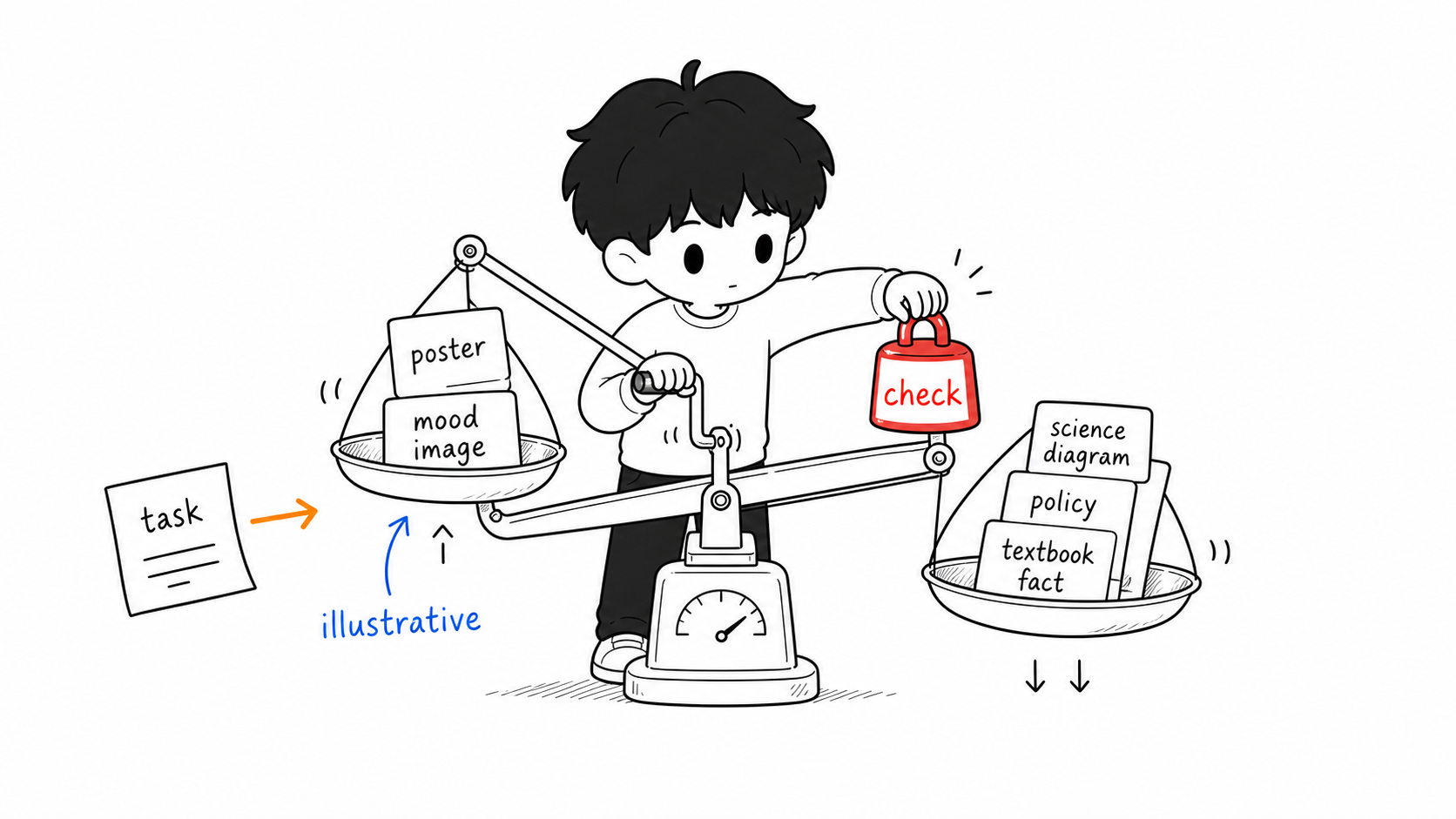
The key to using it is recognizing that it “understands pictures, not facts.” It can generate a beautiful “cell-structure diagram,” but the positions and labels of the organelles may not be scientifically accurate; it can draw a “Silk Road caravan,” but the clothing and geographic details may not hold up to scrutiny. So text-to-image suits illustrative, atmospheric, or decorative scenarios where precision isn’t critical; any image meant to be presented to students as scientific fact must be checked by you. It is also generally weak at producing clear, well-formed text within the image (such as Chinese labels), which you often have to add yourself afterward. One practical tip: specify a style in your description—for example, noting “educational illustration, simple line-drawing style”—to avoid overly artistic images unsuited to the classroom.
Text-to-Video: The Costliest Category, and the One Needing the Most Caution
A text-to-video model can generate a clip from text or an image; it’s currently the most “dazzling” and least stable category. Domestic options include Kling and Jimeng; overseas there are Sora, Runway, Veo, and others. In teaching, it can make knowledge-point animations, scene-based short films, and visualizations of a text’s mood.
But be clear-eyed about its limits: generation takes a long time, the picture is hard to control, and physically implausible scenes are common (a character with an extra hand, distorted text, actions that defy common sense)—and generating just a few seconds of video can consume a fair amount of quota. For most teachers, at this stage it suits “icing on the cake” displays rather than essential teaching steps you must rely on. A safer approach is to pair it with other tools—for example, first use an LLM to write a script, then use a text-and-image-to-video tool (already built into many video-editing apps) to auto-assemble text, narration, and subtitles into a video, which is far more controllable than pure text-to-video.
Multimodal and “Seeing” Models: Bridging Text, Image, and Sound
Early models could only handle a single content type, whereas most mainstream models today are multimodal—the same model can read text, “see” images, and “hear” audio. This is especially practical for teachers: you can take a photo of a student’s handwritten work and have it graded, upload a screenshot of a textbook page and have matching exercises generated, or turn a clip of spoken language into text and then analyze it. Speech-recognition abilities (mixed Chinese-English speech, transcribing spoken language) are particularly useful in bilingual and English listening-and-speaking instruction; domestically, iFlytek Spark and others perform well on Chinese speech.
Multimodality doesn’t change last chapter’s basic rule: the way it “sees” images and “hears” audio is equally statistical recognition and generation, and it will still mis-see and mis-hear. Treat it as a fast-reacting assistant that needs double-checking, not a precise measuring instrument.
How to Pick the Right Model for a Task
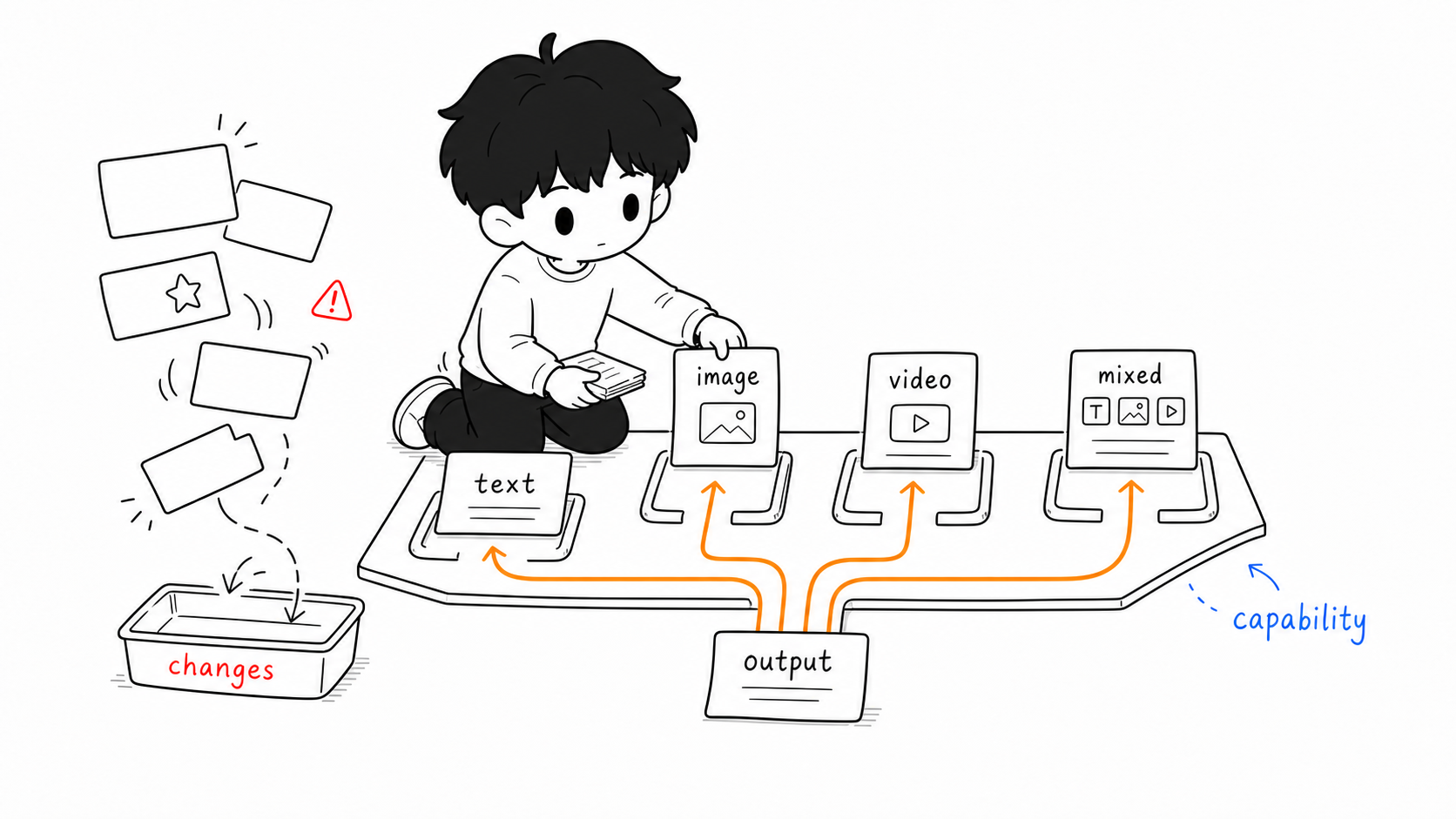
Put the categories above together and choosing a tool boils down to a simple line of thinking: first work out which form your task’s output takes—text, image, video, or a mix—and locate the corresponding model category; then consider how high the task’s “precision” requirement is—the higher it is, the more verification you need to reserve; and only at the end, within that category, pick the specific product by practical factors like Chinese-language fit, file support, and quota cost.
Two examples. “Help me rewrite this expository passage into a version suitable for sixth-graders”—the output is text, the precision requirement is moderate, so any Chinese-friendly LLM will do. “Make a key visual poster for the school science fair”—the output is an image with no demand for scientific fact, so text-to-image fits well; remember to specify a style. Conversely, “generate an accurate diagram of the human digestive system to send straight to students”—though also an image task, the precision requirement is high, so the safer move is to use text-to-image for a draft and then have you or professional material vet it, rather than adopting it directly.
Hold on to this “choose by capability” approach and you won’t be led by the nose by an endless stream of new products. Next chapter we move into real operation: no matter which kind of model you face, how to say things clearly so it gives you the result you want.
This article is part of the A Teacher’s Guide to AI series. For specific sources, references, and AI-use notes, see the series index page.